Reach the Human. Bring the Proof.
Every LinkedIn flow, step by step
Most tools show you a finished message. The hard part is earlier: deciding who is worth contacting and what to say to them. These are the real screens, in order, for each playbook. You copy and send every message yourself. CareerHound never opens LinkedIn.
Pick the play
Six playbooks, each a short sequence of open, paste, draft, send. Start whichever one matches what you're doing right now.
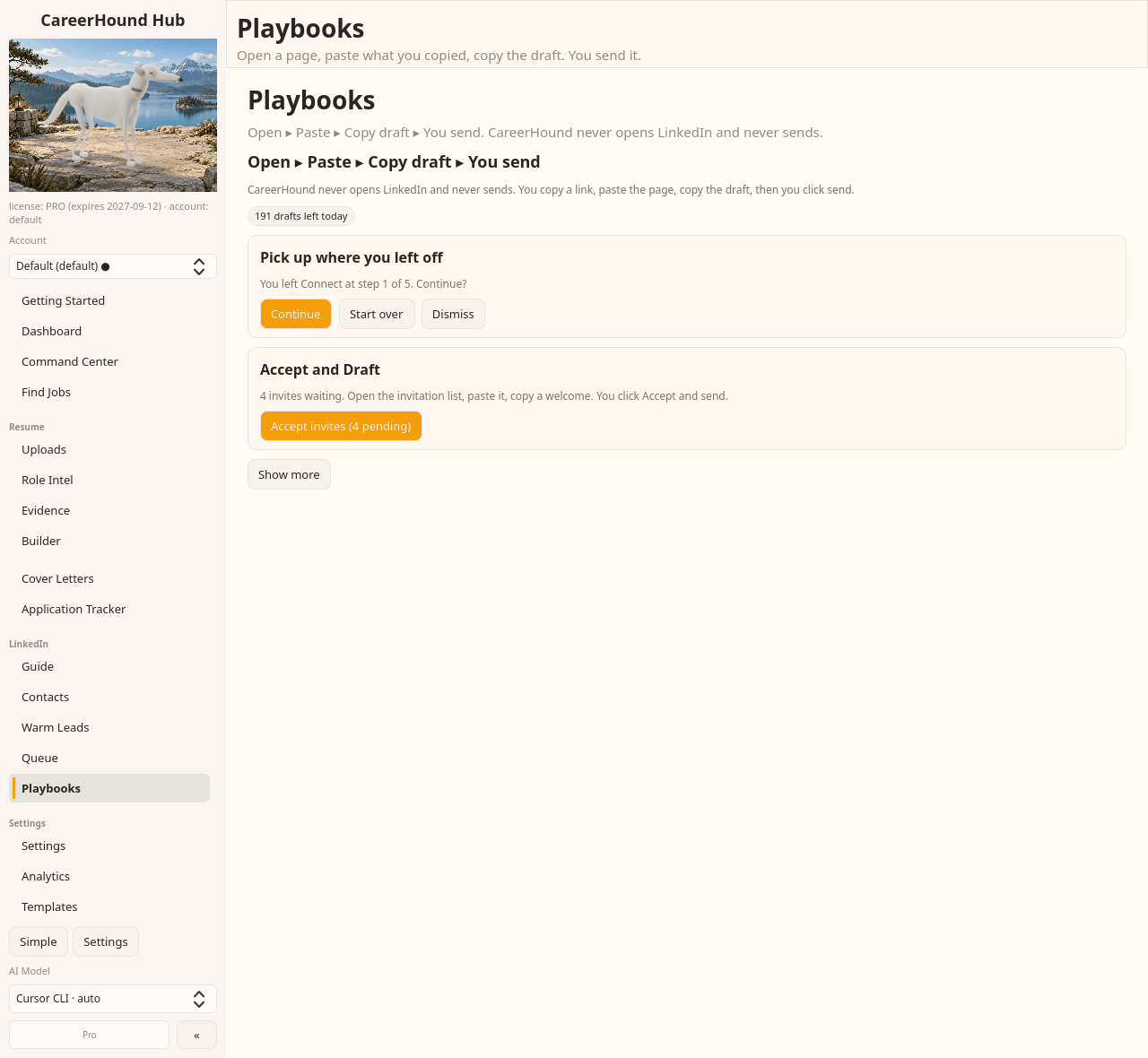
Search to sent
You ran a search for the role you want. Now decide who on that page is worth a connection, and say something that earns the accept. This is the flow that turns a results page into a queue of people with a reason attached.
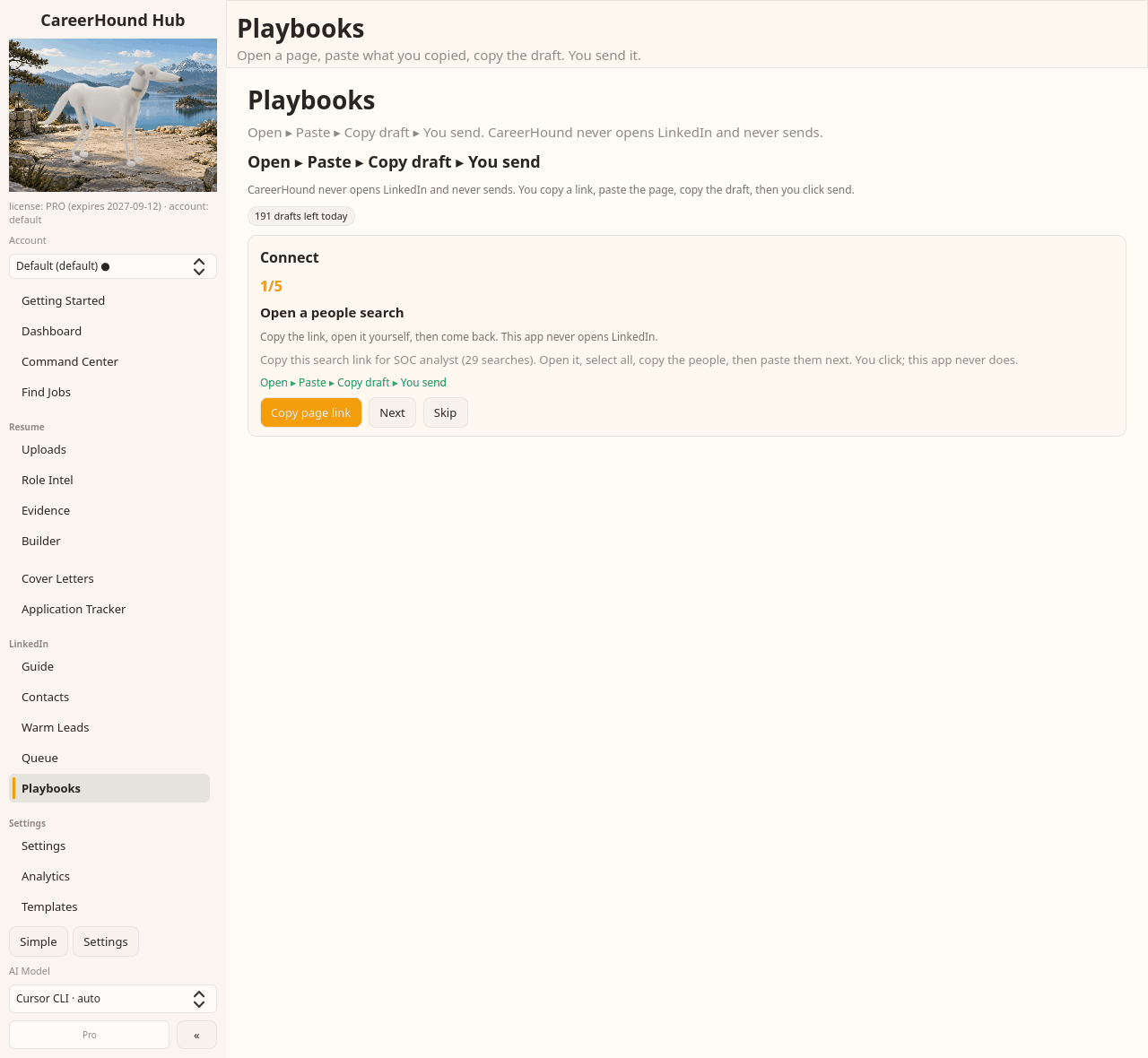
Open a people search yourself
CareerHound hands you the search link and stops. You open it in your own browser, signed in as you. Nothing automated touches the page.
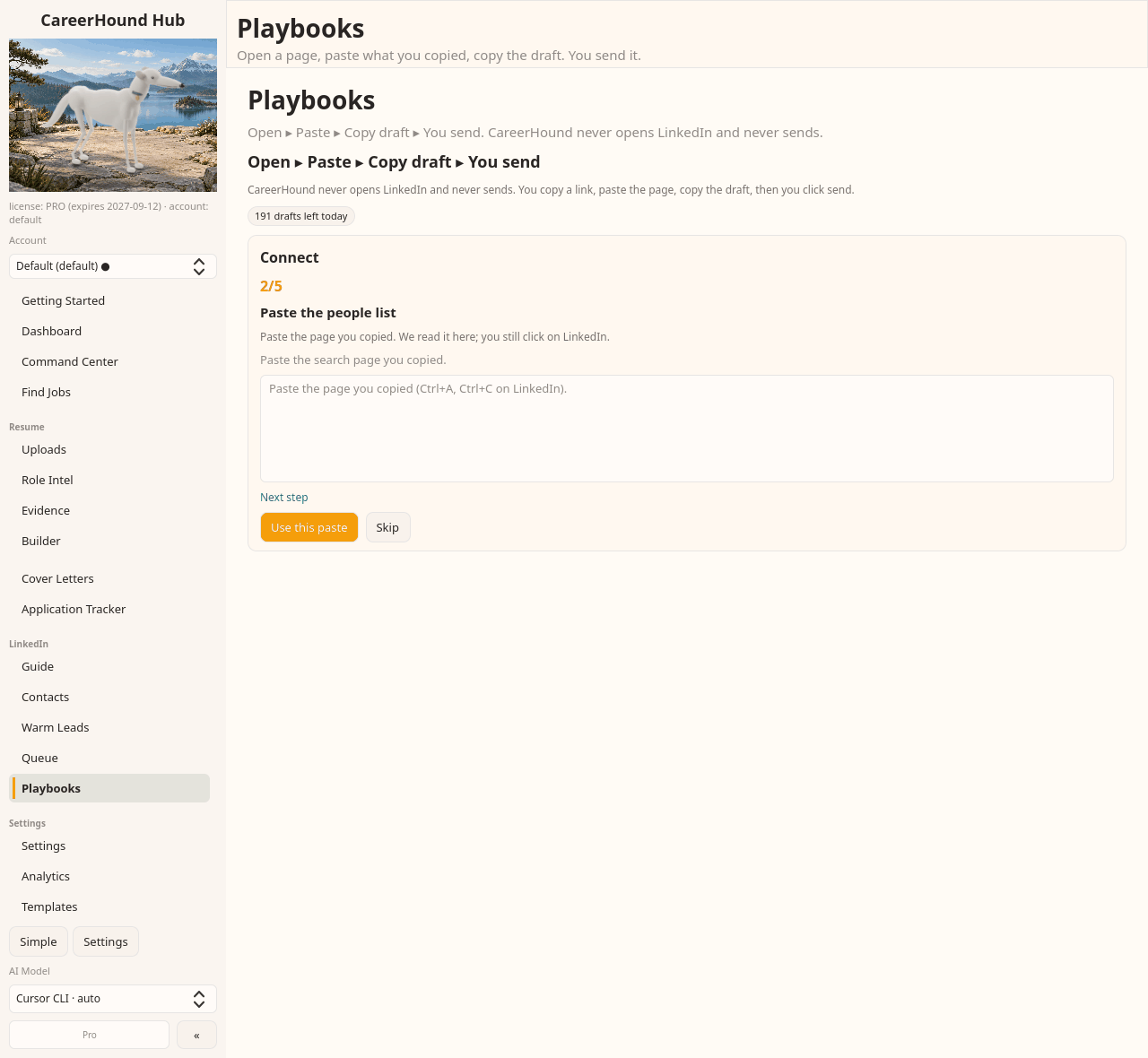
Paste the results page
Select all, copy, paste it back. It reads the names, titles, companies and degree of connection out of the text you pasted. The browser add-on does the same thing without losing the profile links.
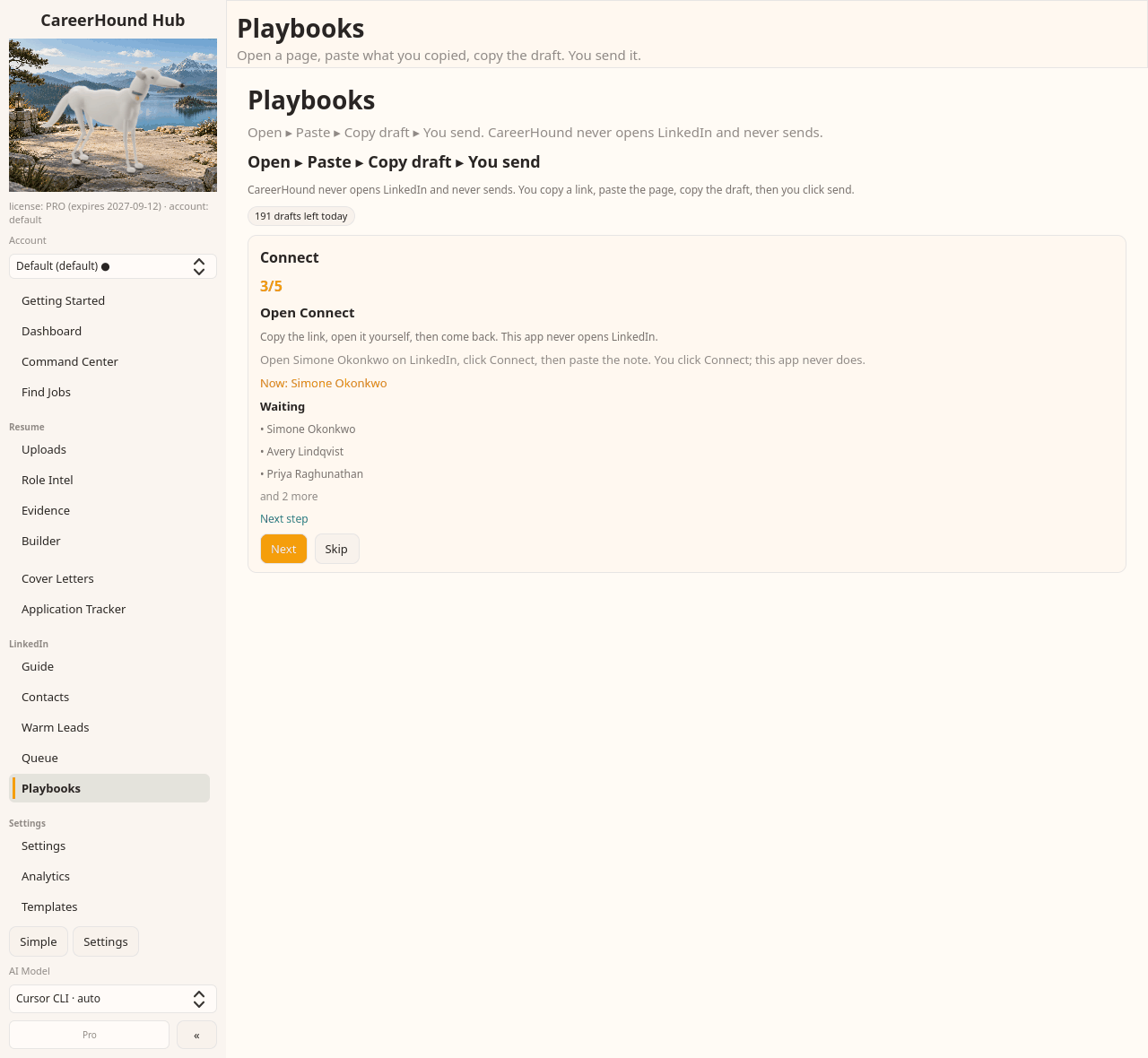
See who is queued and who is next
The page becomes a working list. One person is current, the rest wait their turn, and you can see how many are left. You are deciding one person at a time instead of blasting a page.
Draft the note for this person
Before anything is written you can see whose note this is and exactly what context is being used. Generation starts only when you click. Nothing is sent for you.
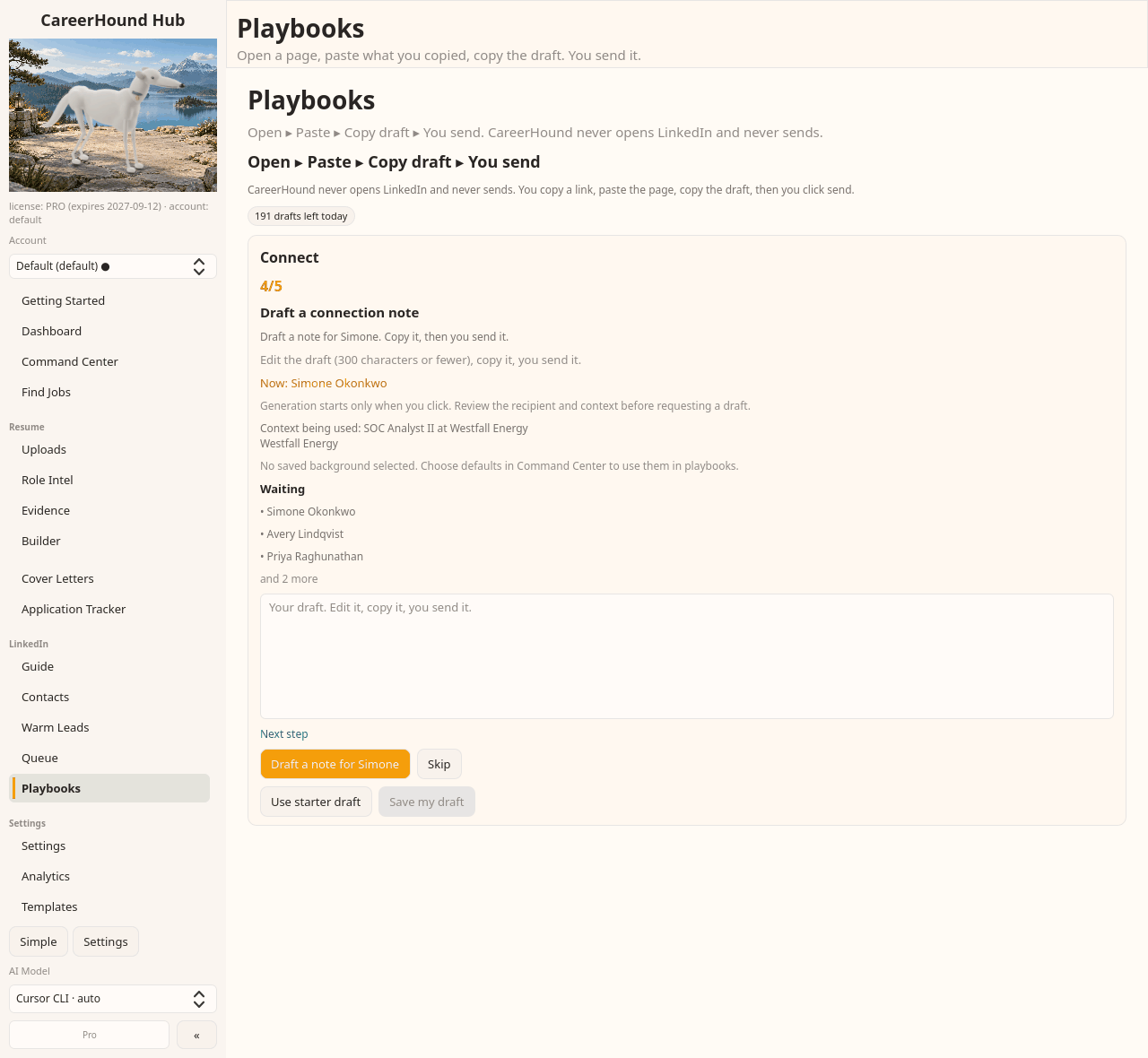
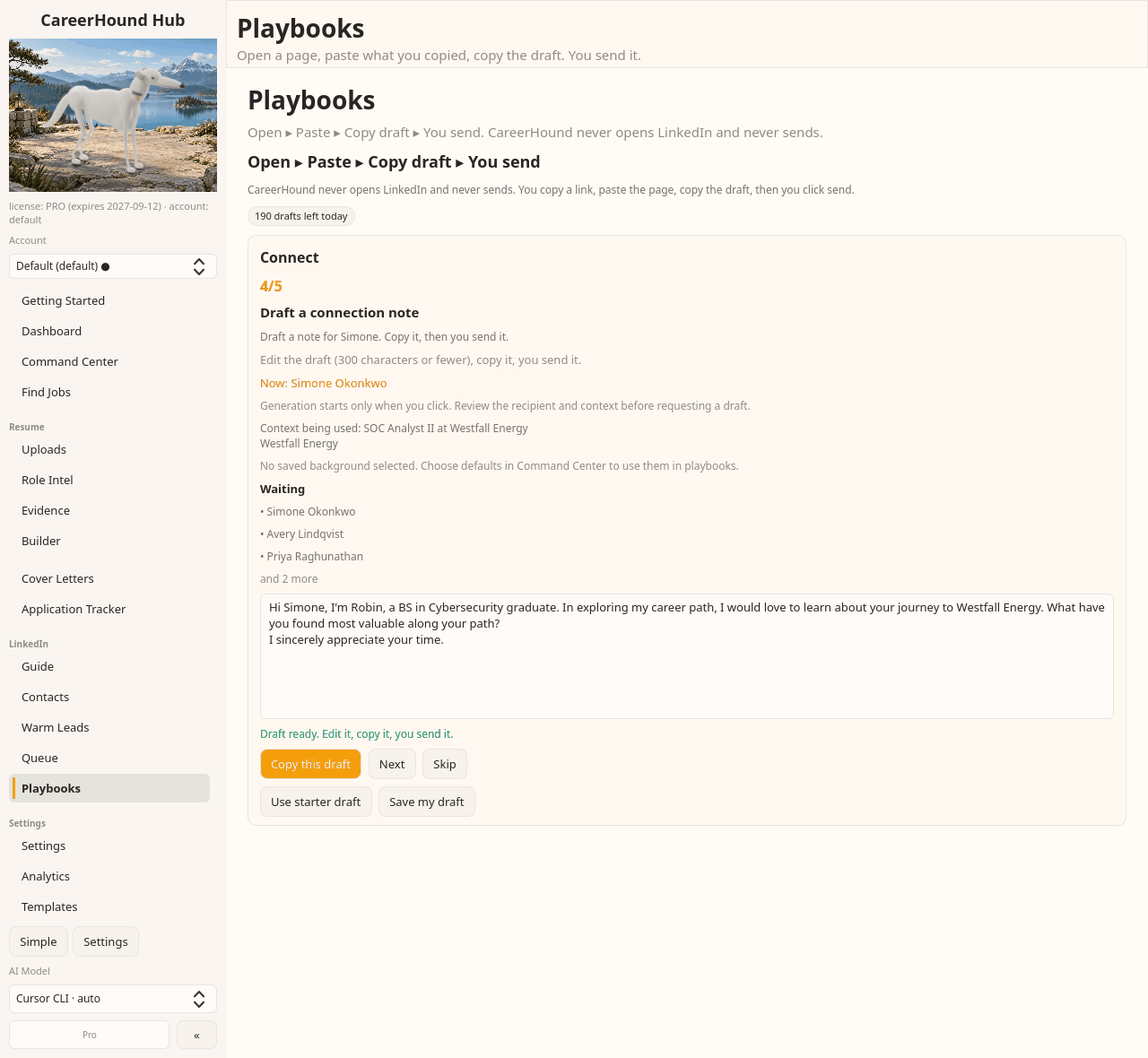
Edit it, copy it, send it yourself
The note comes back addressed to the person and anchored to their role, under the connection-note limit. Change anything, copy it, and send it from your own account.
Invite triage and welcome
Invitations pile up and go cold. Accepting is the easy half; the message that follows is what turns a connection into a conversation.
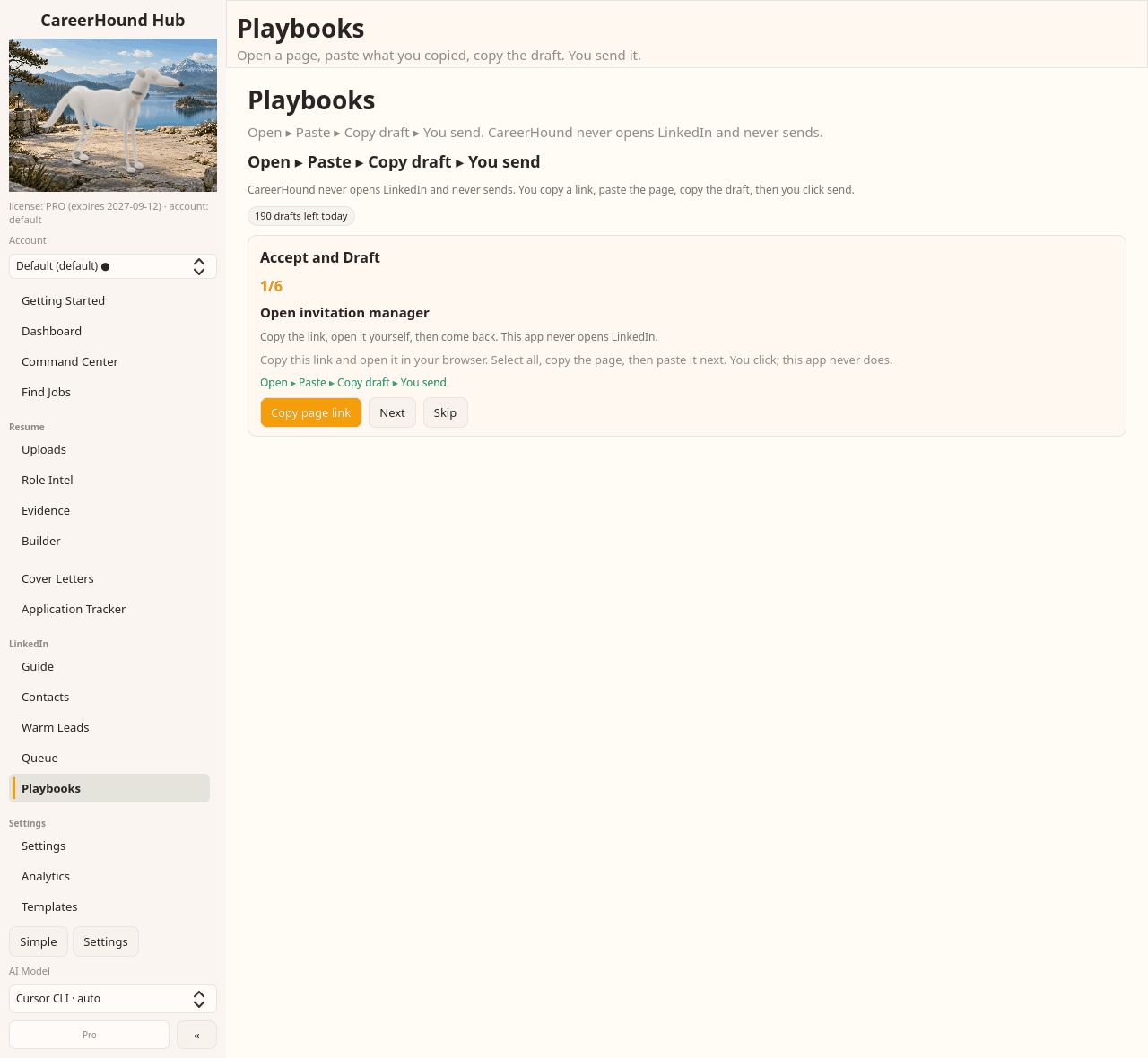
Open your invitation manager
You open it, you accept. CareerHound never clicks accept for you and never sees your account.
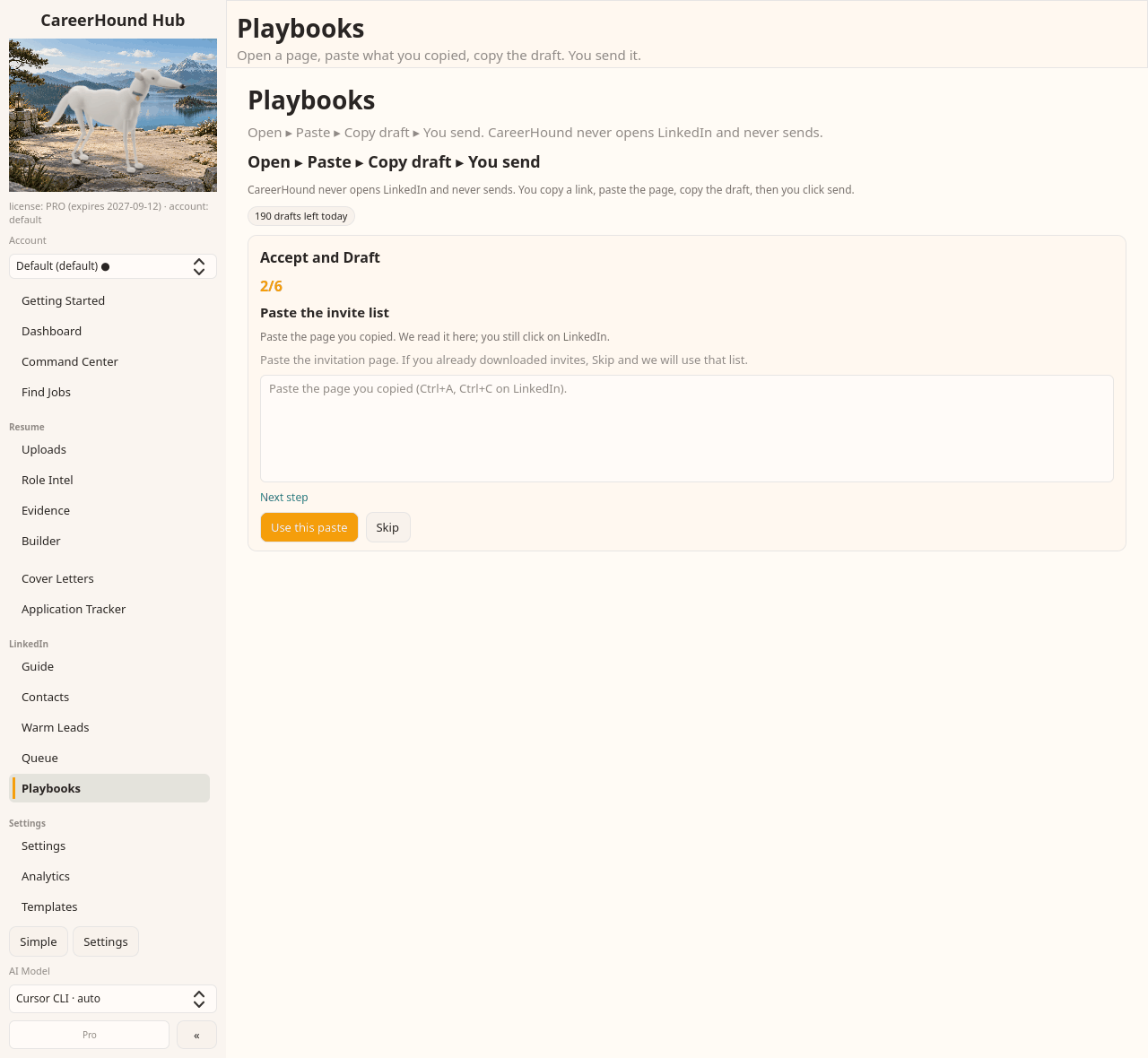
Paste the invitation list
It reads who is waiting and how long they have been there, so the oldest ones stop disappearing off the bottom of the page.
Bring in the person you accepted
Paste their profile so the welcome is about them, not a template with a name swapped in.
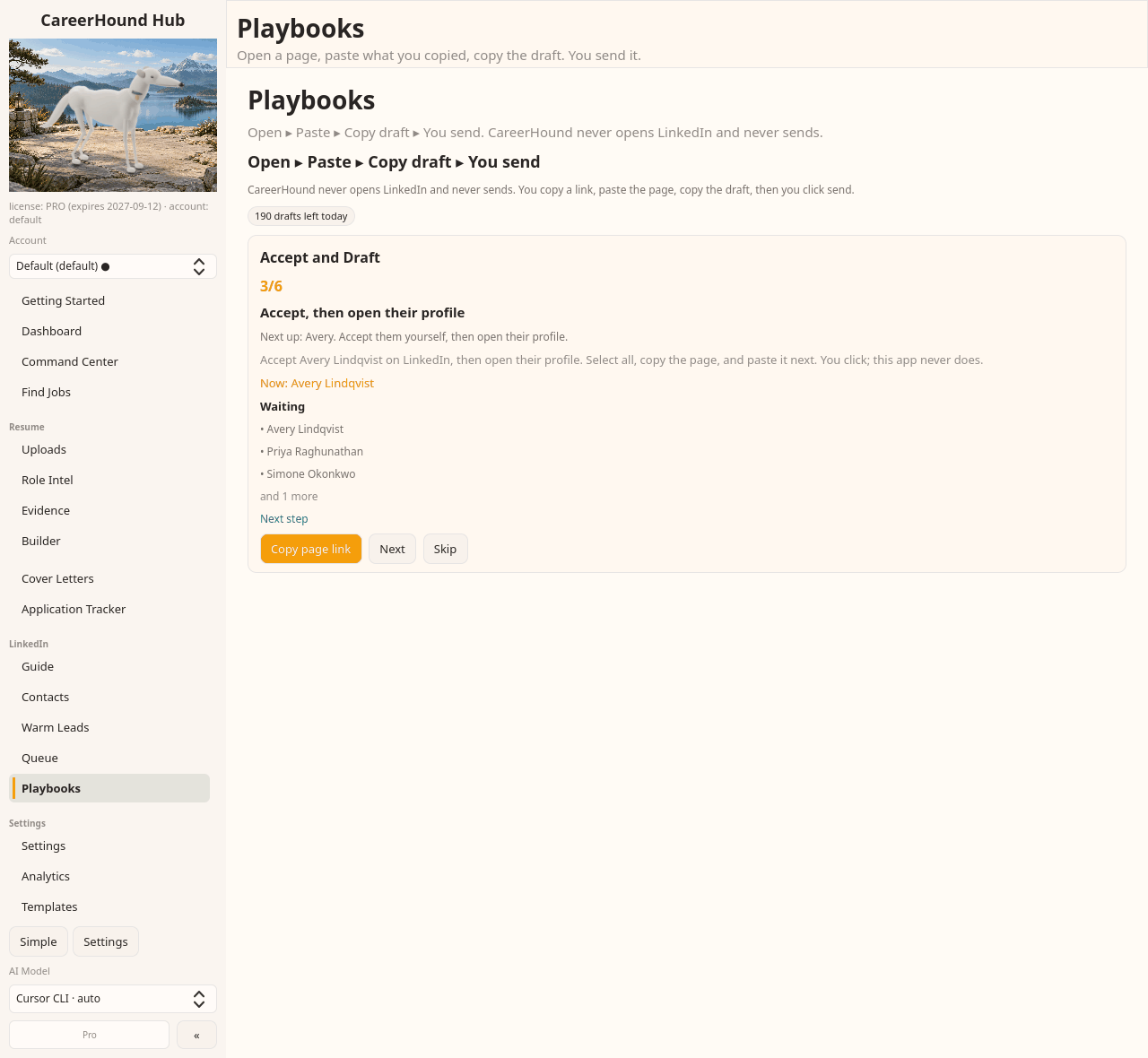
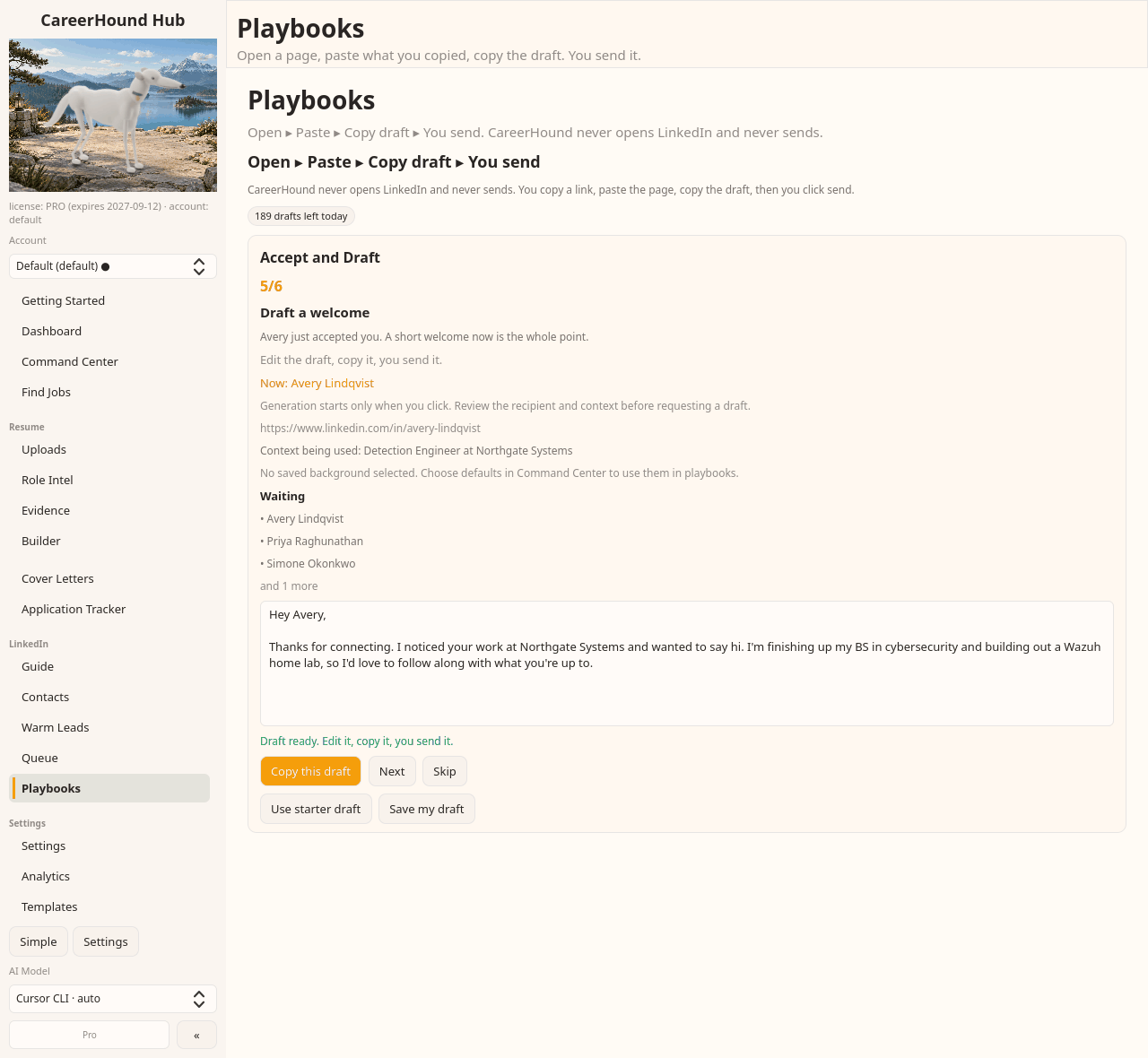
Send a welcome that is about them
Right after the accept is when a message actually gets read. The draft picks up what they do from the profile you pasted and keeps it short.
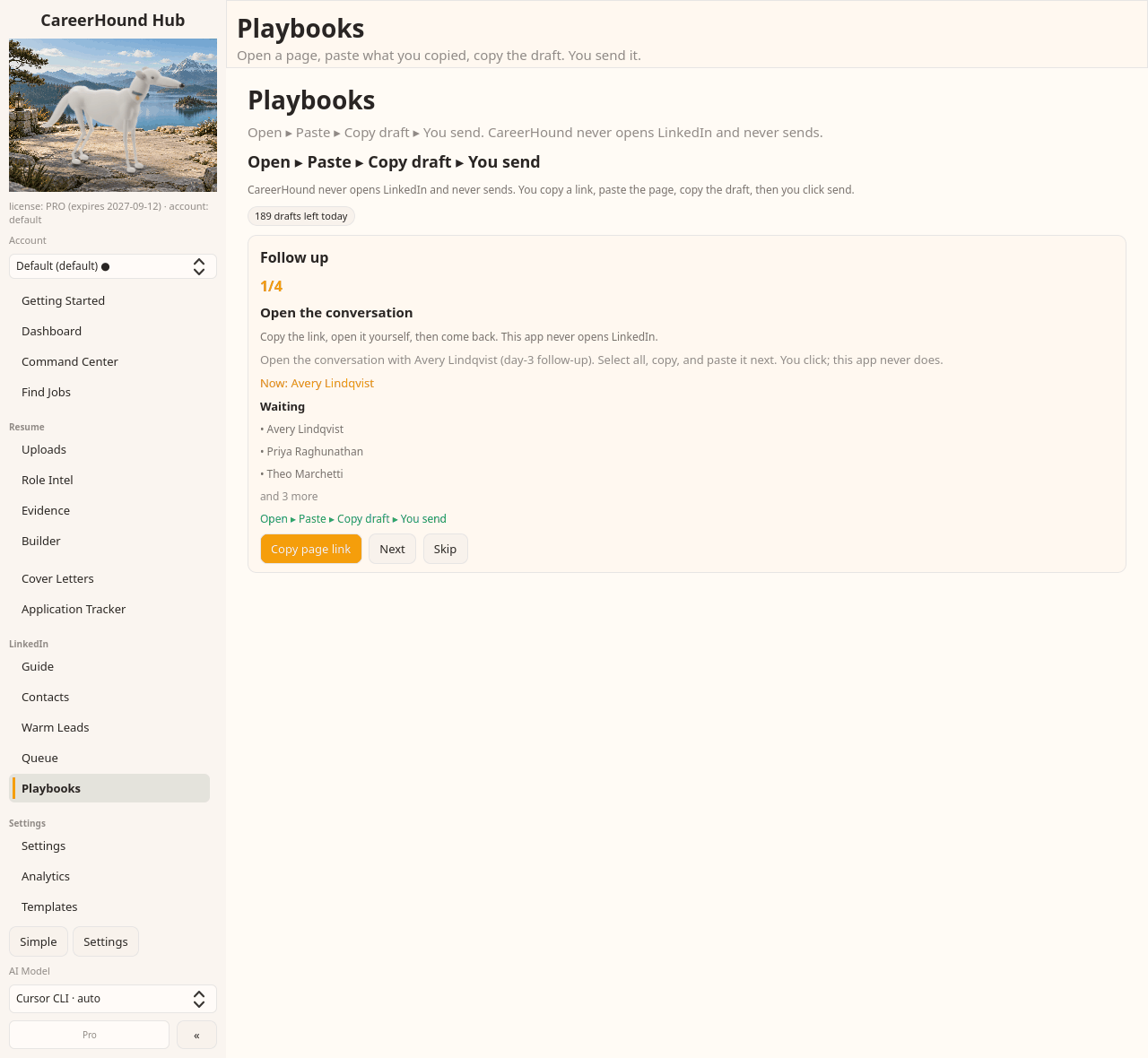
Revive the quiet thread
The conversations worth the most are the ones already half-started. Someone replied, you never answered, and three weeks went by.
Work the list of people who are due
CareerHound keeps who is waiting on a reply and how long it has been. You open the conversation yourself.
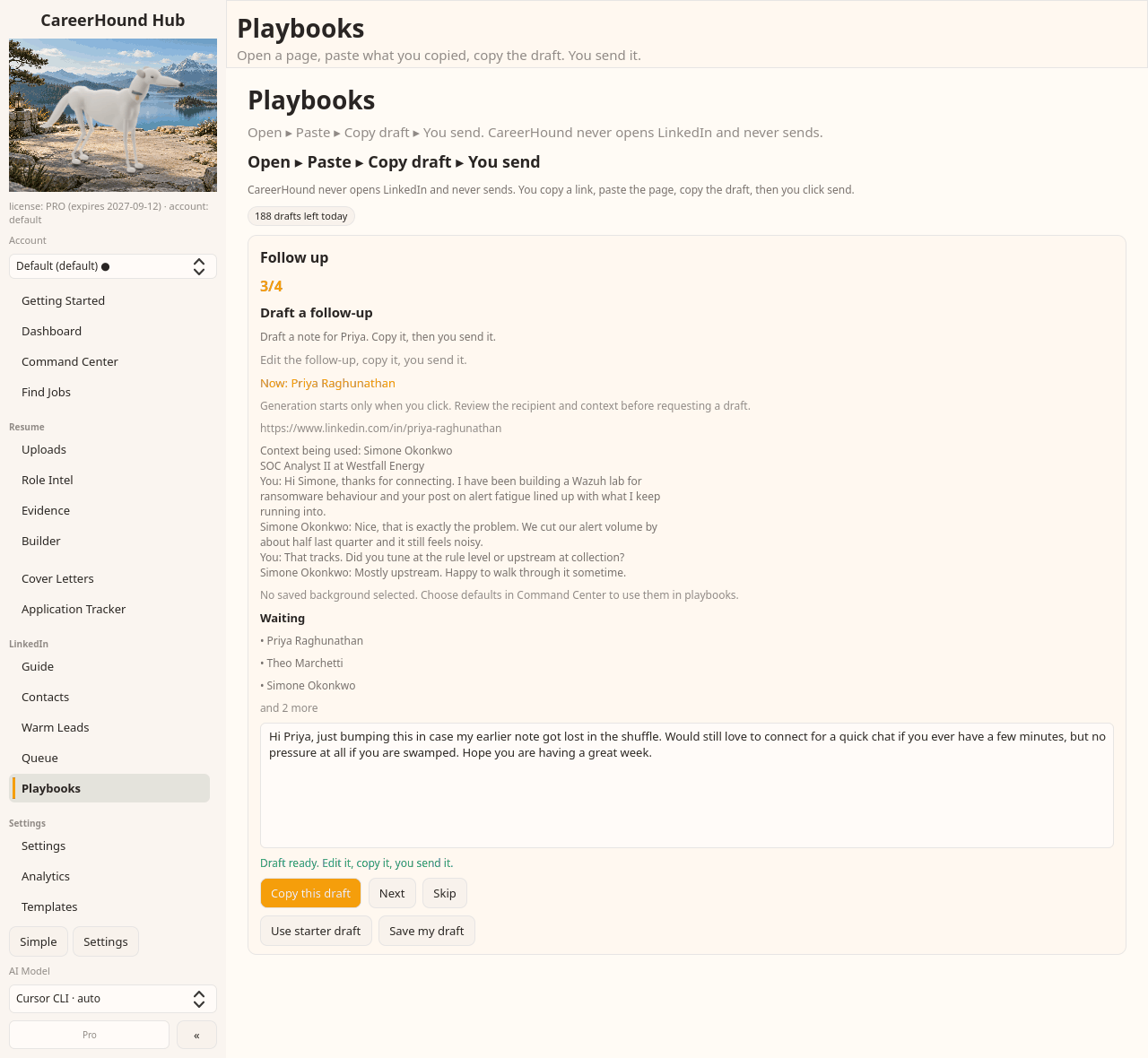
Paste the conversation, get a follow-up that fits it
It reads the thread you pasted, so the follow-up picks up where the conversation left off instead of starting over. You can see exactly which messages it used.
Comment, then connect
A cold connection request is a coin flip. A connection request from someone who said something useful on their post last week is not.
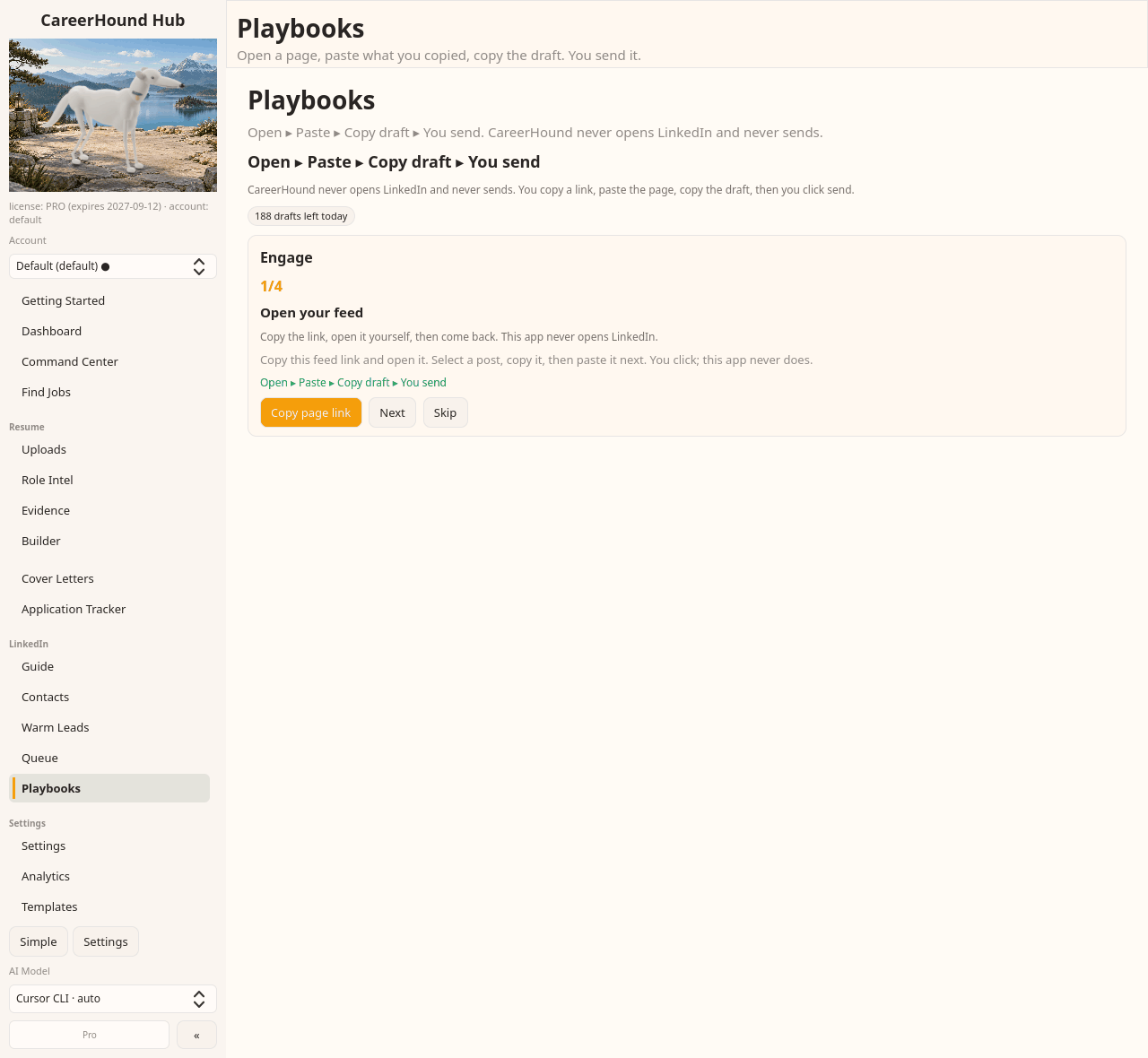
Open your feed and pick a post
You choose what is worth engaging with. It never scrolls, likes or posts on your behalf.
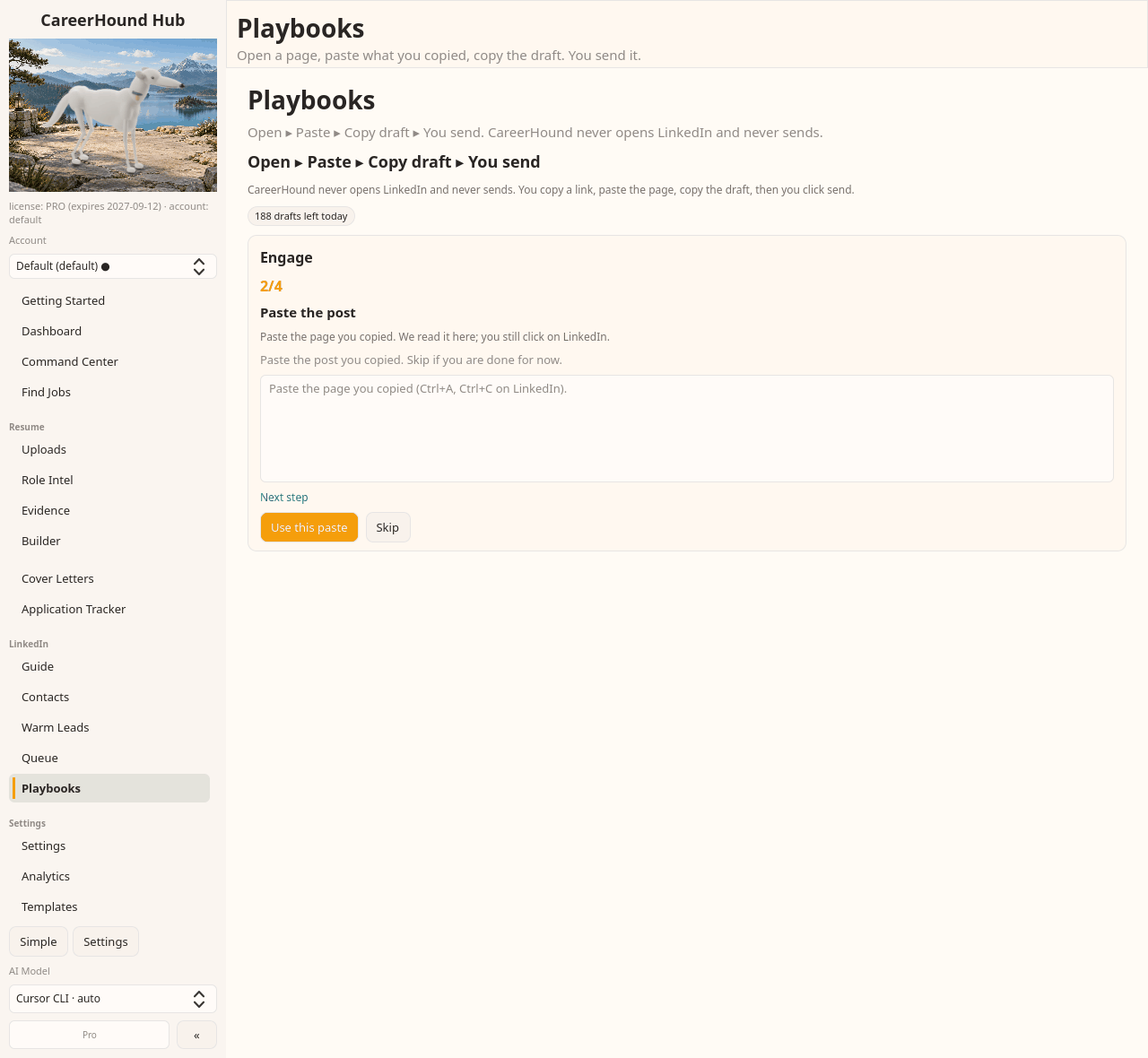
Paste the post
It reads the author and what they actually said, so the comment responds to the argument instead of congratulating them.
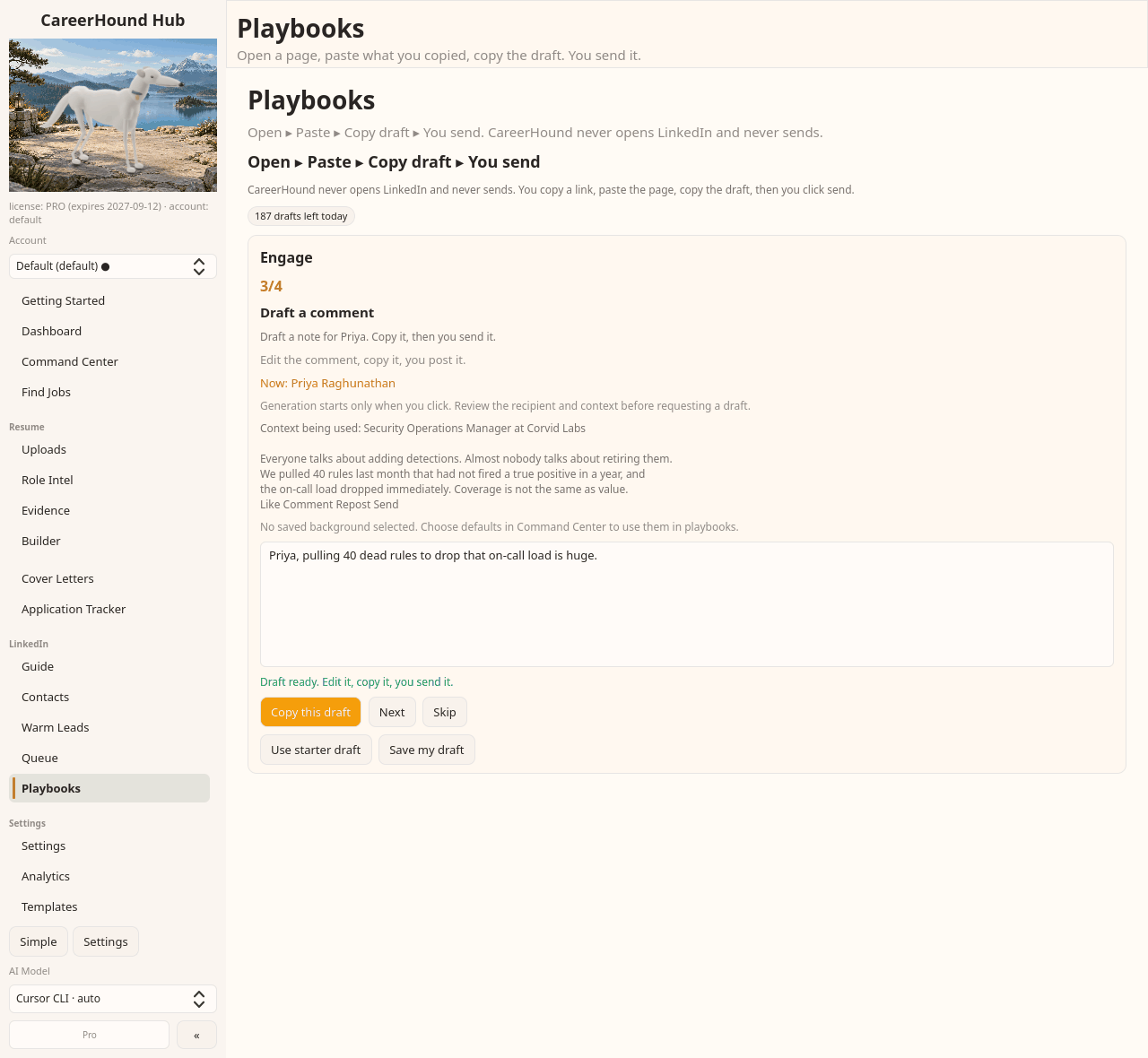
Comment on the point, not the person
The comment responds to what the post actually argued. Post it yourself, then connect later with something real to reference.
Recruiter ping
A recruiter who covers your lane is worth knowing before a role is posted, not after. This one is short on purpose.
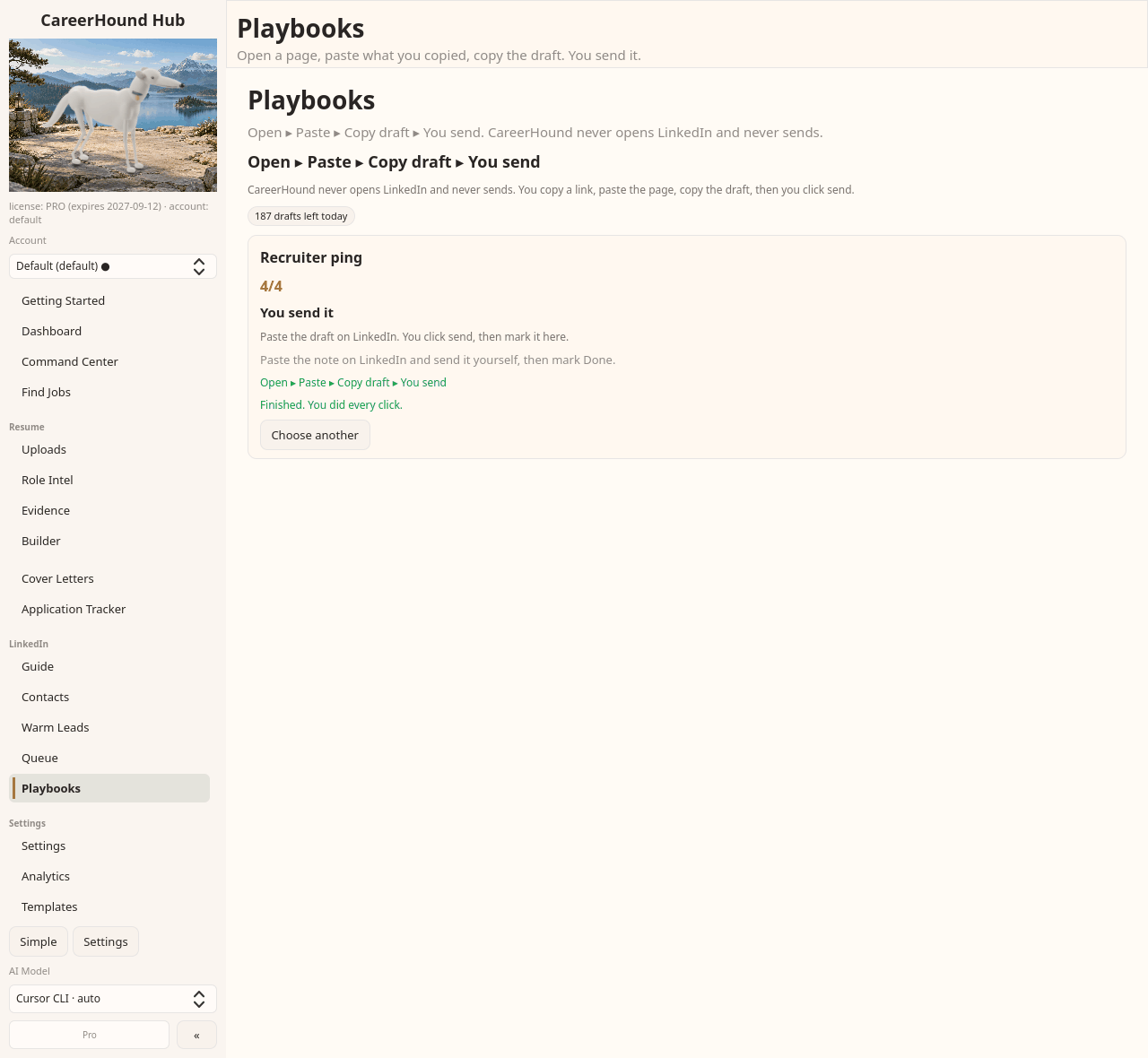
Open, paste, draft, and you finish it
Open their profile, paste it, and draft a note grounded in what they hire for. The last step is always yours: you send it on LinkedIn and mark it done.
Scan jobs
Paste a jobs page and see which of them your evidence actually supports, before you spend an evening applying to all of them.
Open the jobs page yourself
You browse, you copy. The matching happens on your machine against the evidence you have already built.
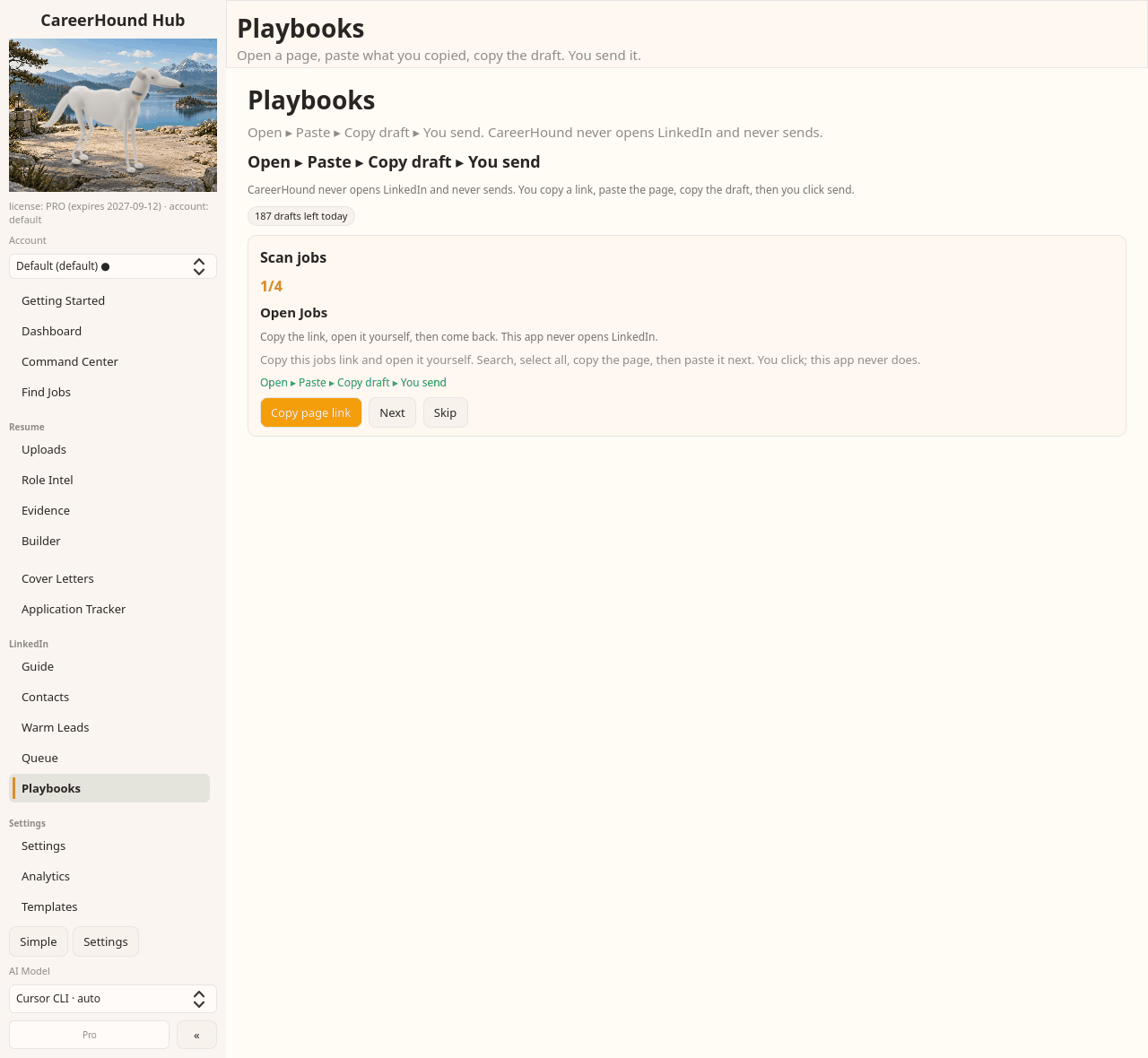
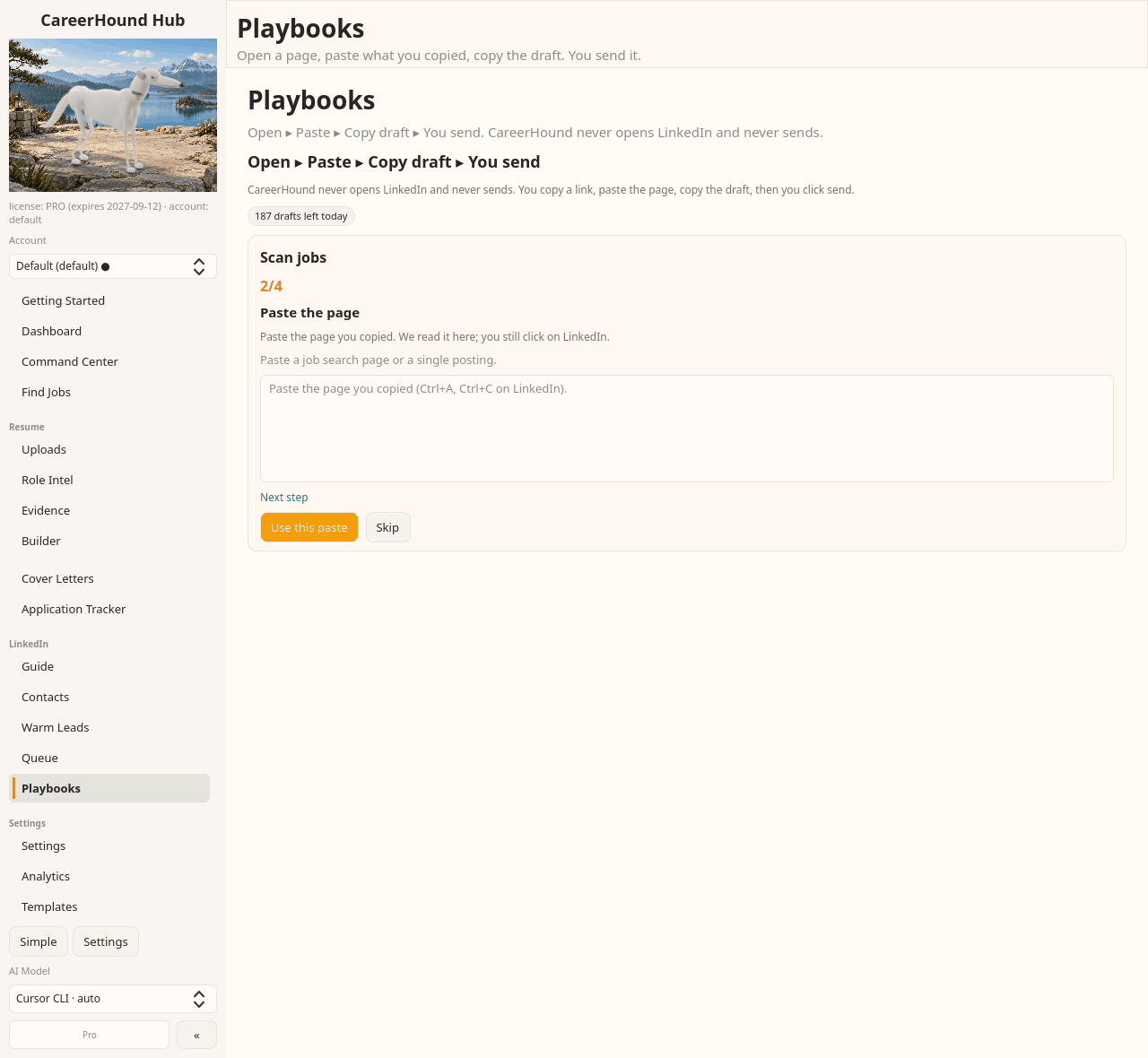
Paste the page and review the matches
Roles are sorted by what you can support, not by keyword overlap. You still click apply yourself.
The same rule runs through every flow on this page. CareerHound never logs into LinkedIn, never opens it, and never sends anything. It reads what you paste, writes a draft you can edit, and hands it back. You click send, as yourself, in your own browser.